
WhatsApp Business API Pricing in India: Complete Cost Guide for 2026
Discover WhatsApp Business API pricing in India for 2026. Learn Meta charges, BSP fees, message costs, pricing examples, ROI calculations, and tips to reduce your WhatsApp messaging expenses.

Sarah Chen
Thatmatters Team
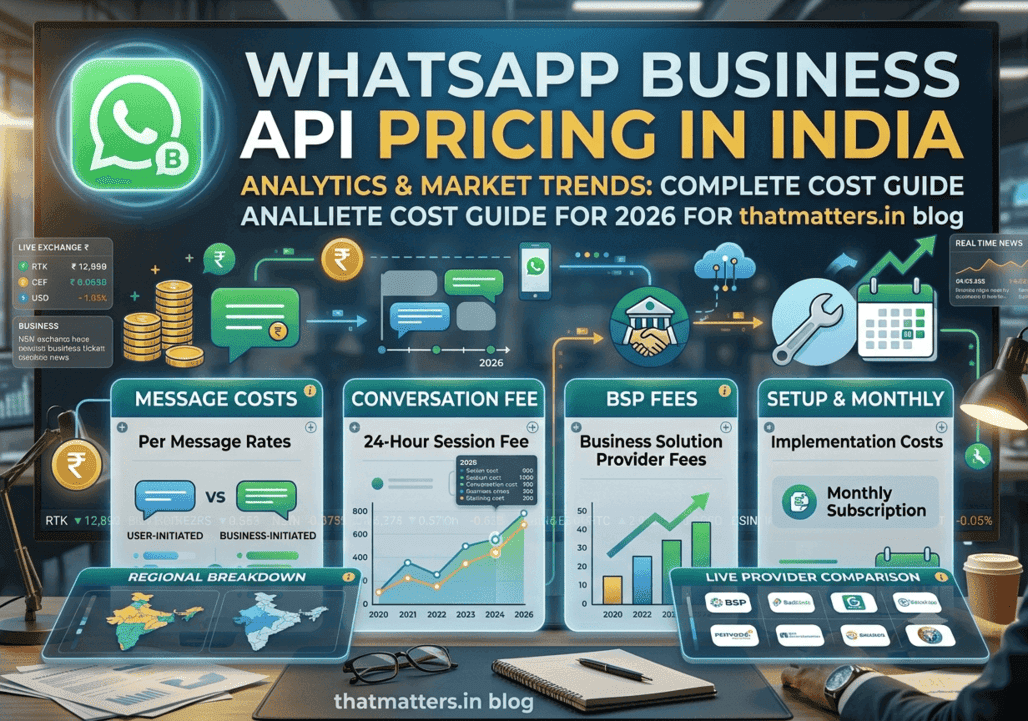
WhatsApp Business API Pricing India (2026)
Customer communication has changed dramatically over the last few years.
Traditional channels like SMS and email still play an important role, but businesses today are increasingly looking for platforms that deliver higher engagement, better customer experiences, and measurable business outcomes. This is where WhatsApp Business API has become one of the most valuable communication channels for organizations of all sizes.
India is WhatsApp's largest market, with hundreds of millions of active users. For many businesses, WhatsApp has become the primary way customers ask questions, receive order updates, book appointments, make payments, and interact with support teams.
However, one question comes up repeatedly:
> How much does WhatsApp Business API cost in India?
The answer isn't as straightforward as a single monthly subscription.
Your total cost depends on several factors, including:
* Meta's official messaging charges
* Your WhatsApp Business Solution Provider (BSP)
* Platform subscription fees
* AI chatbot costs
* CRM integrations
* Message volume
* Campaign type
* Customer location
Understanding these components helps you estimate your communication budget accurately and choose the right provider.
This guide explains everything you need to know about WhatsApp Business API pricing in India in 2026, including pricing models, examples, cost calculations, comparisons with SMS and email, hidden charges to watch for, and practical tips to reduce your messaging expenses.
What is WhatsApp Business API?
The WhatsApp Business API is an enterprise-grade messaging solution built by Meta for medium and large businesses that need to communicate with customers at scale.
Unlike the standard WhatsApp Business App, the API is designed for automation, integrations, and multi-user collaboration.
Businesses use the API to:
* Send order confirmations
* Deliver shipping updates
* Share invoices
* Send OTPs
* Run promotional campaigns
* Provide customer support
* Automate replies with AI chatbots
* Integrate conversations with CRMs
* Manage thousands or even millions of customer interactions
The API itself does not provide a user interface. Instead, it connects with software platforms such as ThatMatters, allowing businesses to manage conversations, automate workflows, and analyze campaign performance.
Why Businesses are Moving to WhatsApp
Consumers increasingly expect fast, personalized communication on platforms they already use.
Compared to traditional communication channels, WhatsApp offers several advantages:
| Feature | WhatsApp Business API |
|---|---|
| Rich Media | ✅ Images, Videos, PDFs, Audio |
| Read Receipts | ✅ Yes |
| End-to-End Encryption | ✅ Yes |
| AI Chatbots | ✅ Supported |
| CRM Integration | ✅ Yes |
| Broadcast Campaigns | ✅ Yes |
| Interactive Buttons | ✅ Yes |
| Product Catalog | ✅ Yes |
| High Engagement | ✅ Excellent |
These capabilities make WhatsApp suitable for industries such as e-commerce, healthcare, education, finance, travel, logistics, insurance, and real estate.
WhatsApp Business App vs WhatsApp Business API
Many businesses confuse the free WhatsApp Business App with the enterprise-grade API. Although they share the WhatsApp brand, they serve different needs.
| Feature | WhatsApp Business App | WhatsApp Business API |
|---|---|---|
| Cost | Free | Paid |
| Multi-Agent Support | ❌ | ✅ |
| CRM Integration | ❌ | ✅ |
| Automation | Limited | Advanced |
| AI Chatbots | ❌ | ✅ |
| Broadcast at Scale | Limited | ✅ |
| Analytics | Basic | Advanced |
| Webhooks | ❌ | ✅ |
| APIs | ❌ | ✅ |
| Enterprise Security | Limited | Advanced |
If your business needs a team of agents, automated customer journeys, AI chatbots, or integration with existing software, the API is the better option.
Who Should Use WhatsApp Business API?
The API is ideal for organizations that send a significant number of customer messages or require automated workflows.
Typical users include:
* E-commerce businesses
* Hospitals and clinics
* Educational institutions
* Banks and financial services
* Insurance companies
* Logistics providers
* Travel agencies
* Restaurants
* Real estate companies
* SaaS businesses
* Customer support centers
For these organizations, WhatsApp becomes a central communication channel that supports marketing, sales, service, and operations.
Understanding the WhatsApp Business Platform
Before discussing pricing, it's important to understand the ecosystem.
There are three main components involved:
1. Meta
Meta owns WhatsApp and defines the official pricing for business messaging.
2. Business Solution Provider (BSP)
A BSP, such as ThatMatters, provides businesses with access to the WhatsApp Business Platform, along with dashboards, automation tools, analytics, integrations, and customer support.
3. Your Business
Your organization uses the BSP's platform to send messages, manage conversations, build chatbots, and engage with customers.
This layered approach explains why businesses often see multiple pricing components on their invoices.
How WhatsApp Business API Pricing Works in India
One of the most common misconceptions is that businesses pay only Meta.
In reality, your total cost generally includes multiple elements:
* Meta messaging charges
* BSP platform subscription (if applicable)
* Implementation or onboarding costs (varies by provider)
* AI chatbot fees (optional)
* CRM integration costs (optional)
* Automation platform charges (optional)
* Custom development (optional)
Understanding each component helps you compare providers more effectively.
Meta's Official Pricing Model
Meta periodically updates its pricing model. Depending on the latest policy, charges may be based on template message categories, customer geography, and message type.
Common categories include:
* Marketing
* Utility
* Authentication
Each category has its own pricing, and rates may vary by country.
Businesses should always verify the latest official pricing before planning large-scale campaigns, as Meta can update rates and billing rules over time.
Marketing Messages
Marketing messages are designed to promote products, services, offers, or events.
Examples include:
* Festival discounts
* Flash sales
* Product launches
* Coupon campaigns
* Loyalty rewards
* Abandoned cart reminders (if promotional)
* Seasonal offers
These messages often generate high engagement but are usually priced differently from service-related communications.
Utility Messages
Utility messages support ongoing customer interactions related to transactions or account activities.
Examples include:
* Order confirmations
* Shipping updates
* Payment receipts
* Appointment reminders
* Invoice notifications
* Delivery tracking
Because these messages provide information that customers expect, they are typically treated differently from promotional communications.
Authentication Messages
Authentication messages help verify user identity.
Examples include:
* One-Time Passwords (OTPs)
* Login verification codes
* Account recovery codes
* Two-factor authentication (2FA)
These messages are commonly used by banks, fintech companies, healthcare platforms, and secure online services.
Why Pricing Varies
Several factors influence your overall messaging costs:
* Message category
* Destination country
* Volume of messages
* Provider pricing
* Optional platform features
* AI automation
* CRM integrations
* Support requirements
Choosing a provider involves looking beyond headline pricing and considering the overall value, features, scalability, and support offered.
Share this article
Related articles

FIFA World Cup 2026 Winner: Spain Defeats Argentina 1-0 in Final | Full Match Details
Jul 19, 2026
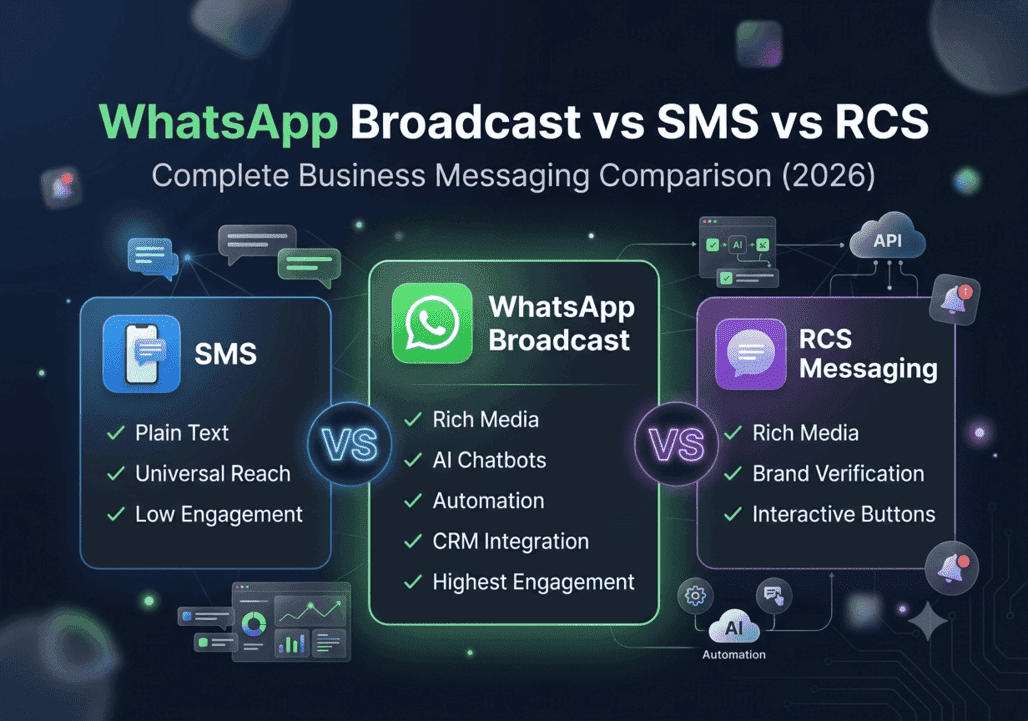
WhatsApp Broadcast vs SMS vs RCS Messaging: Complete Comparison Guide (2026)
Jul 18, 2026